Tree / Self Hosting / Movies & TV Shows / Jellyfin / VideoOSD
Download Button
Downloads the playing video as a 1:1 direct copy from the player.
- Status
- Green · Published
- Type
- script
- Hours
- about 8
- Tokens
- about 3.6 M
Runs alone or as one of the eight addons of VideoOSD Tweaks & Candy. HighImKevin helped finish it.
In this article
A download in the wrong place
Jellyfin can already hand you the original file. The catch is where: you leave the player, open the item menu and pick Download. The plan was small and clear: one button in the video OSD, one click, no menu, and playback keeps running.
The file, without leaving the film
- A Download button inside the video OSD, in the same row as the player's own buttons
- The currently playing video as a 1:1 original file, not a transcode
- A download that runs in the background while the video keeps playing
- Automatic tracking: the button always refers to the video that is playing now, also after shuffle, playlists or the next episode
- A clear state for items without a file: the button turns grey and its tooltip says that there is nothing to download
- Optional naming after your library instead of the raw name on the server
It is especially useful if you often take media along for offline use, because you decide while you are watching, and you never lose your place.
What a click actually does
The button sits in the bottom right of the player. It reads the ID of the current video from the OSD, builds a link to Jellyfin's own /Items/{id}/Download endpoint with the server address and the access token of your session, puts that link into a hidden element and lets the browser start its normal download. The file lands in your default download folder.
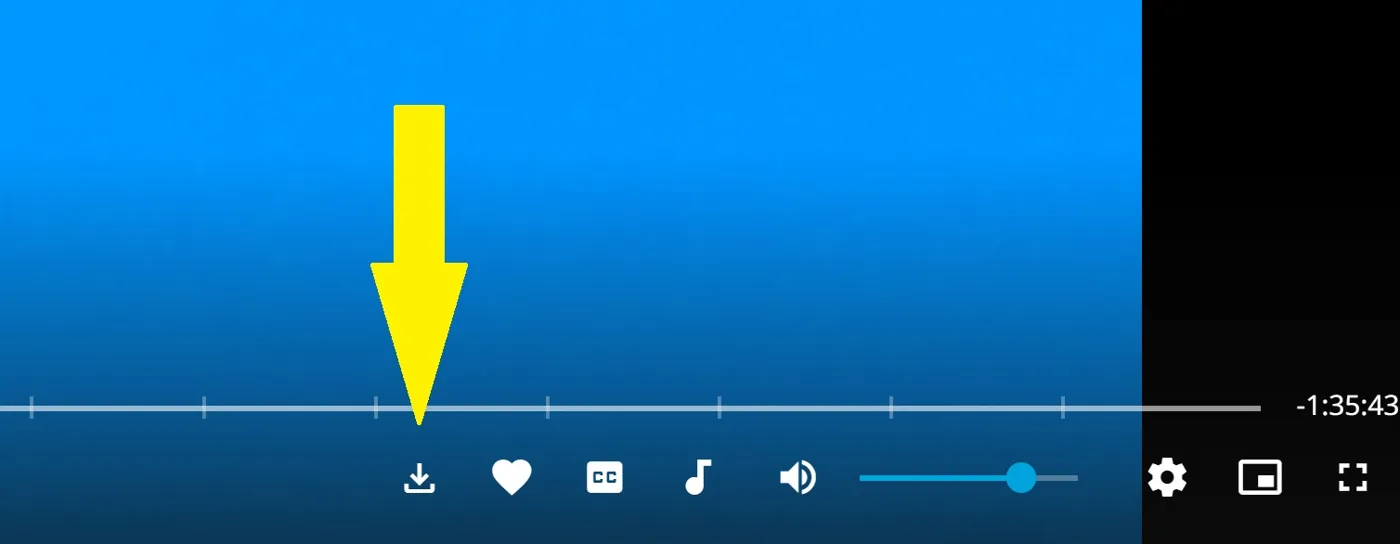
Because it uses Jellyfin's own endpoint, you get the exact file from the server. No transcoding, no quality loss. A MutationObserver watches the page, because Jellyfin swaps the player content without a reload: it puts the button back if it disappears and follows you when the next video starts.
Raw name or library name
On its own it is one paste into the JavaScript Injector plugin. You need to be logged in, because the token comes from your session.
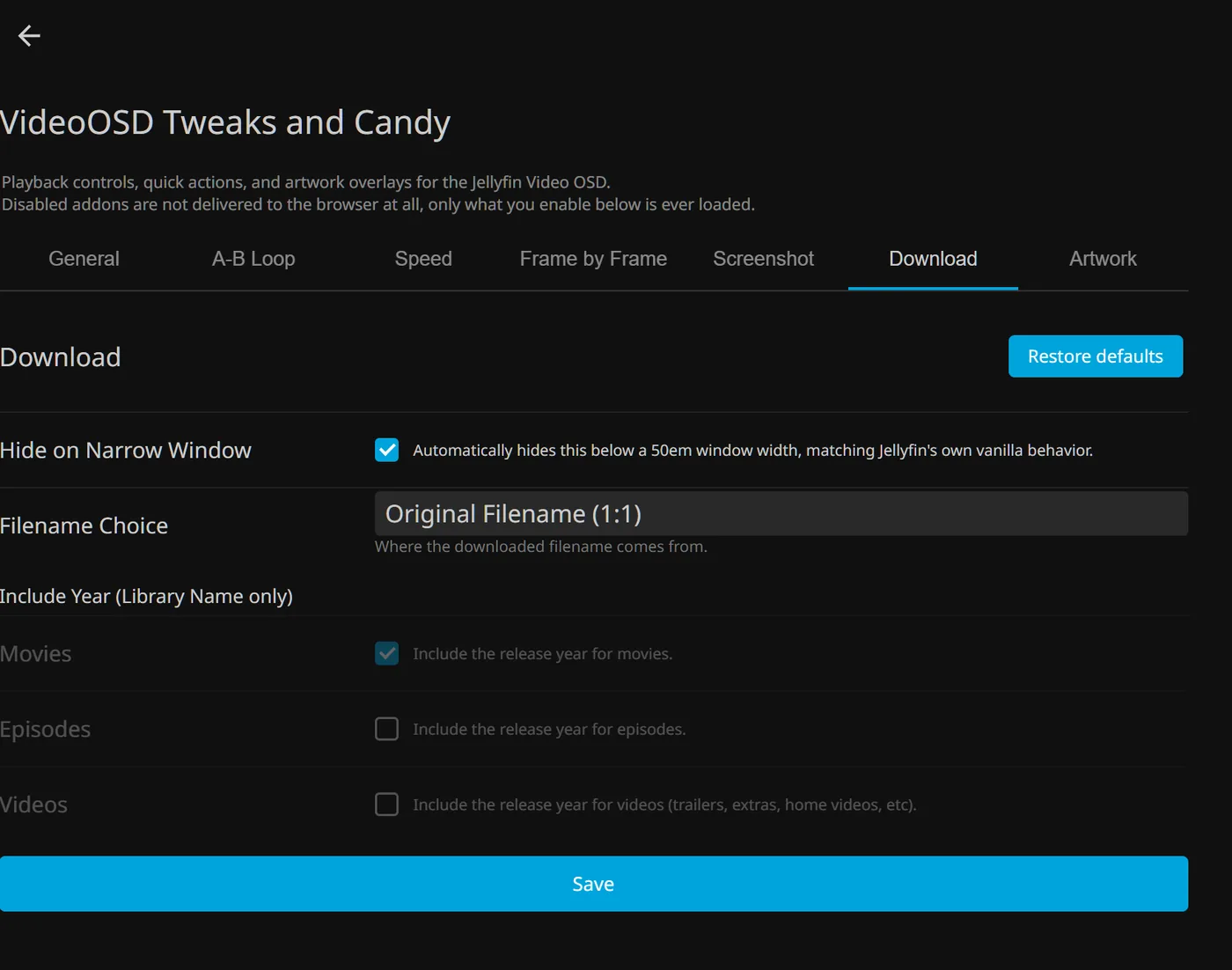
The settings are few and sit in one block at the top of the script:
| Option | Ships as | Effect |
|---|---|---|
hideOnNarrowWindow | true | Hides the button on narrow windows, like Jellyfin's own buttons do |
filenameChoice | 'original' | 'original' keeps the raw name the server sends, 'library' names the file after the library entry |
includeYearMovies | true | Library mode only: adds the year to film names |
includeYearEpisodes | false | Library mode only: adds the year to episode names |
includeYearVideos | false | Library mode only: adds the year to other videos |
The library name is built from what Jellyfin knows, not from the file on disk. A film becomes its title, an episode becomes Show - S02E05 - Episode title, season 0 counts as a real number, colons turn into dashes, and characters Windows does not accept are removed. The file keeps its original extension. Original naming is the safe default, and library naming is the better choice if your files on disk have cryptic names.
The plain script needs no server change, only the injector and a logged-in session. The README is careful about one thing: the way the icon gets into the player can vary between web versions, so it names exactly which web versions it was tried on.
On phones, tablets and TV devices the button stays off unless a plugin setting allows it. In the plugin these are admin settings, and the button can be switched during playback through the On/Off Menu.
Where one button got complicated
Most of what the script grew by since its first version is not new features but edge cases. HighImKevin from the Jellyfin community helped finalize the script after I was stuck on an issue for quite a while, and that credit stays at the top of the README.
The first thing users reported was text instead of an icon: the word "download" sat in the player. The script used an icon font that Jellyfin does not ship. @curiousignite posted a workaround on the issue, and the real fix came later: the icon is now an inline SVG and needs no font at all.
The bigger problems only showed up once the script ran inside the plugin and Claude sessions tested it live in a real browser against both Jellyfin versions. The worst one looked like nothing at all. A function the script called for its admin settings was never defined, so every setting was silently ignored and the script stayed on its defaults. In the same round, one browser session turned out to have logged the same harmless warning more than 59,000 times, once for every page change.
Permissions were the serious one. The library name mode goes through the stream endpoint, which does not check the download permission, so a user who was not allowed to download still got the file. The script now asks first and shows a short message instead.
The last hurdle came from games. When Playnite Bridge brought local game extras into Jellyfin, the download endpoint answered 404 for them. The button now checks whether the item can be downloaded and falls back to the stream endpoint, naming the file after the item in a way Windows accepts. If there is no file at all, the button goes grey and says so.
Connected
Next: Screenshot Button