Tree / Self Hosting / Movies & TV Shows / Kodi
Character Art for Movies
Hand-picked character art for movies, which Kodi only had for TV shows.
- Status
- Green · Released
- Type
- artwork type
- Era
- pre-AI, handmade
Released on the Kodi forum as a hand-sorted pack of 432 characterart images for 240 films, collected and curated rather than drawn. AEON TAJO was the first skin from the official repository to implement it cleanly.
In this article
TV shows had it, films did not
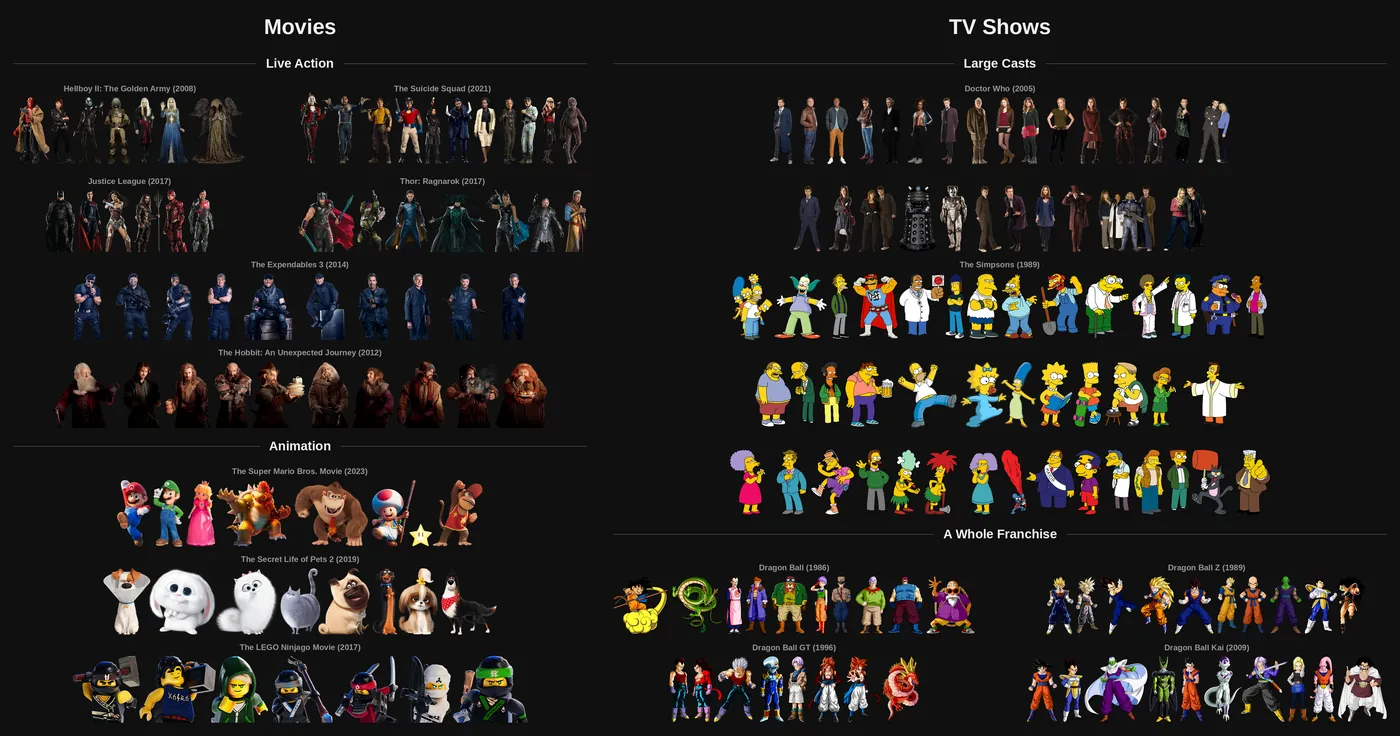
fanart.tv offers characterart for TV shows: cut-out characters on a transparent background. For movies it offers nothing of the kind. I asked its maintainer to unlock the type for movies and found no interest. So no database or API carried movie characterart, and anyone who wanted it had to search the web film by film.
The slot itself could exist. Custom artwork types became possible through rmrector's ArtworkBeef, and from Kodi 18 Leia also through advancedsettings.xml. There was simply nothing to put in it.
My goal was the movie counterpart of TV characterart: cut-out characters tied to one specific film or franchise costume. That is different from my Red Carpet addon, where an actress appears in everyday clothing and belongs to no film. The split is deliberate. Costume and franchise art go here, the person goes there. I built this for my own skin first, then shared what I had.
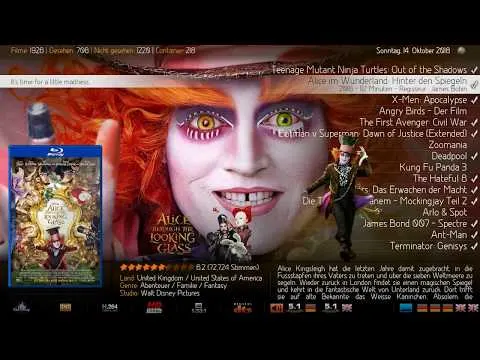
What the pack is
It is an artwork pack, not an addon: one RAR of 711 MB with 432 hand-sorted images for 240 films, shared from Google Drive. Nothing installs. You copy the files next to your films.
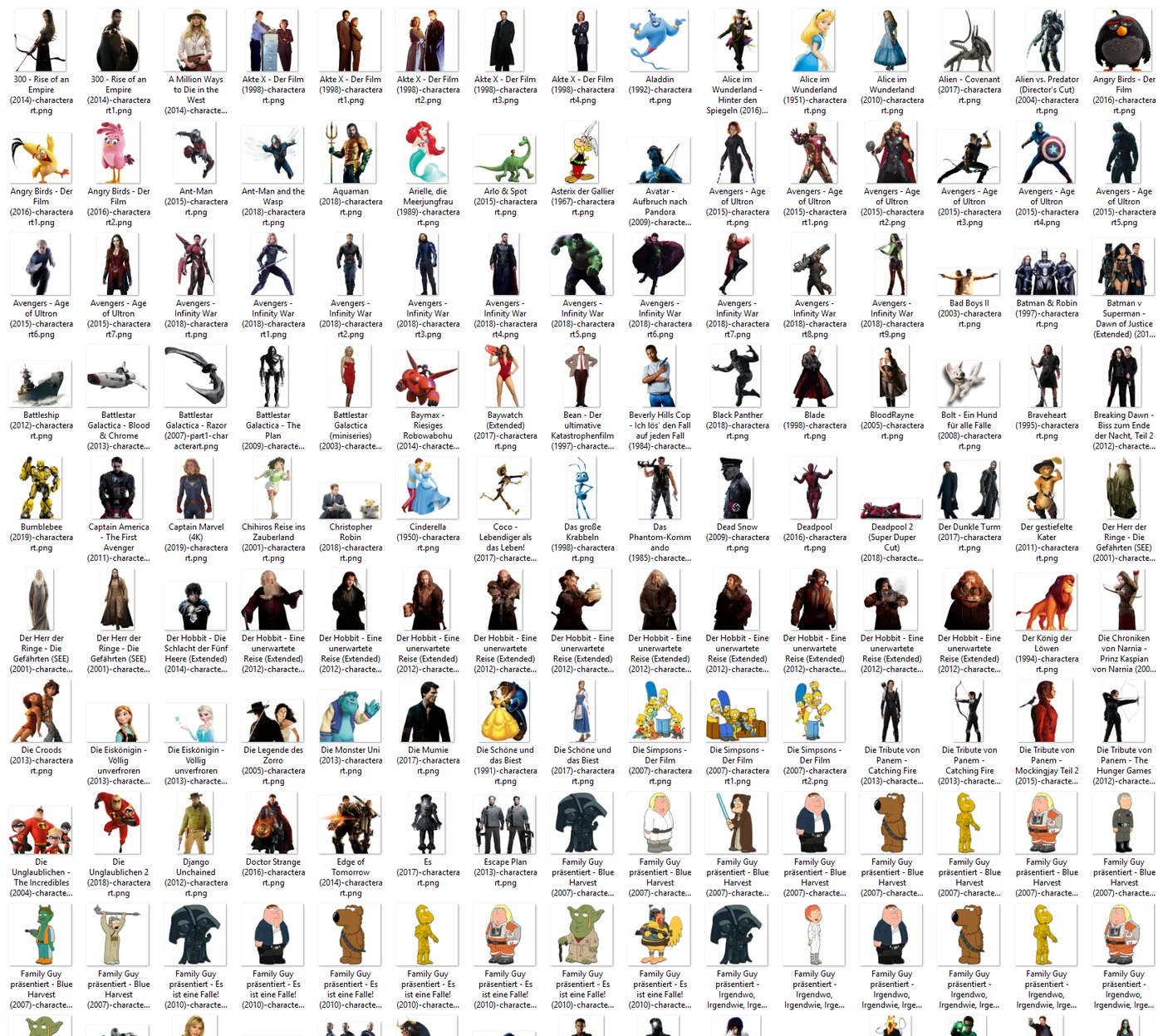
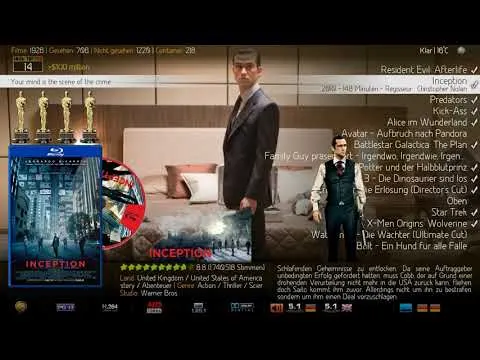
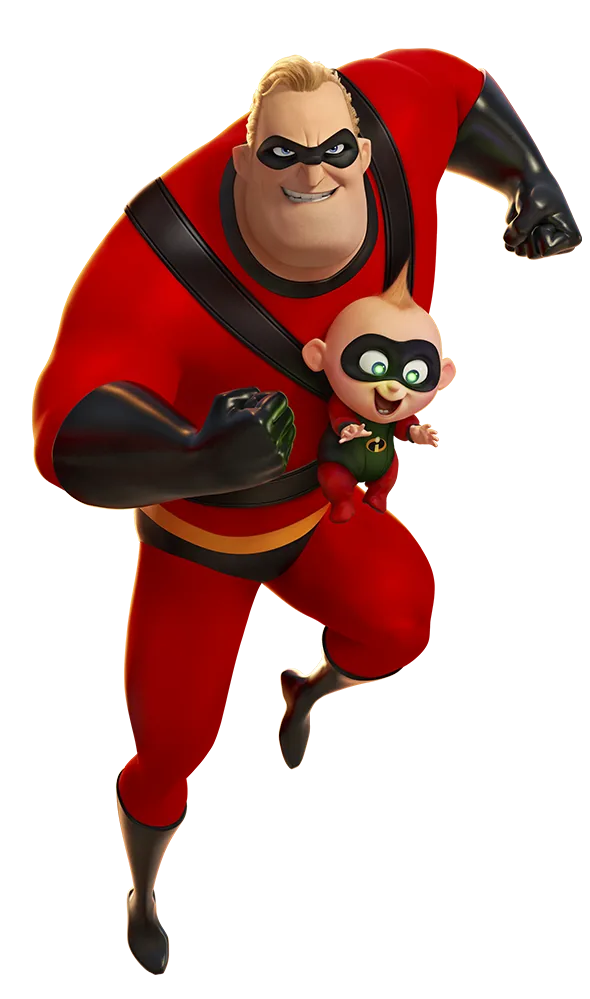
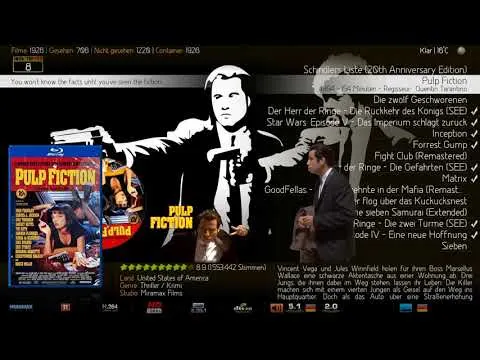
The images are transparent PNGs. They differ from the TV characterart of fanart.tv in two ways: they have no uniform resolution, and most are cut off at the bottom, except jumping or flying figures and vehicles. They are meant to sit on an edge or separator texture in the skin, the way clearart does.
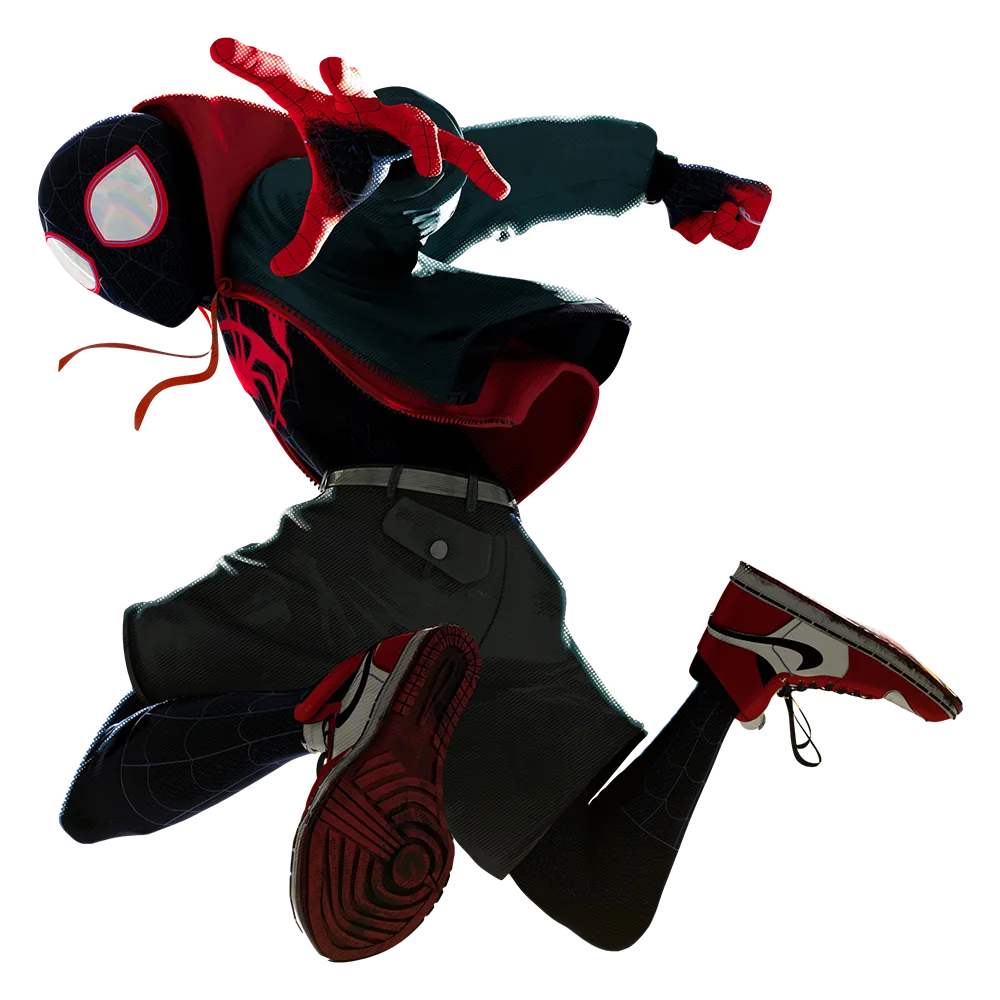
Most files are uncompressed, about 90 % of them. Kodi compresses them when it caches them.
Naming and storing
The naming follows ArtworkBeef, so the images work with ArtworkHelper codes:
- First image of a film: Moviefilename-characterart.png
- Further images: Moviefilename-characterart1.png to Moviefilename-characterart9.png, so at most 10 per film.
- Moviesets: the same names without prefix, characterart.png and characterart1.png onward. In most cases these are copies of the movie images.
One thing every user has to do by hand: my filenames use German film titles. You look at the picture, work out the film and rename it to your own file.
Getting the images on screen
Kodi has to read the images, and a skin has to show them. With ArtworkBeef and ArtworkHelper they behave like the usual artwork types such as clearlogo or clearart: read into the database, precached, and shown without touching the disk afterwards. In my own experimental skin I could unplug all my drives while browsing, and the art stayed on screen.
Skin support is required. A single image is simple. Showing several as a multi-image is more demanding. It also works without those tools, through Kodi's normal ListItem.Path, but then the disk is read even when the images are cached.
Skin support came in two stages. latts9923 supported it partially in his Aeon MQ7 mods for Krypton and Leia, more as a kind of easter egg. Then AEON TAJO, manfeed's skin, became the first skin from the official repository to implement it cleanly, alongside the actress images as a separate option. The Kodi wiki lists characterart and numbered characterart under Artwork types.
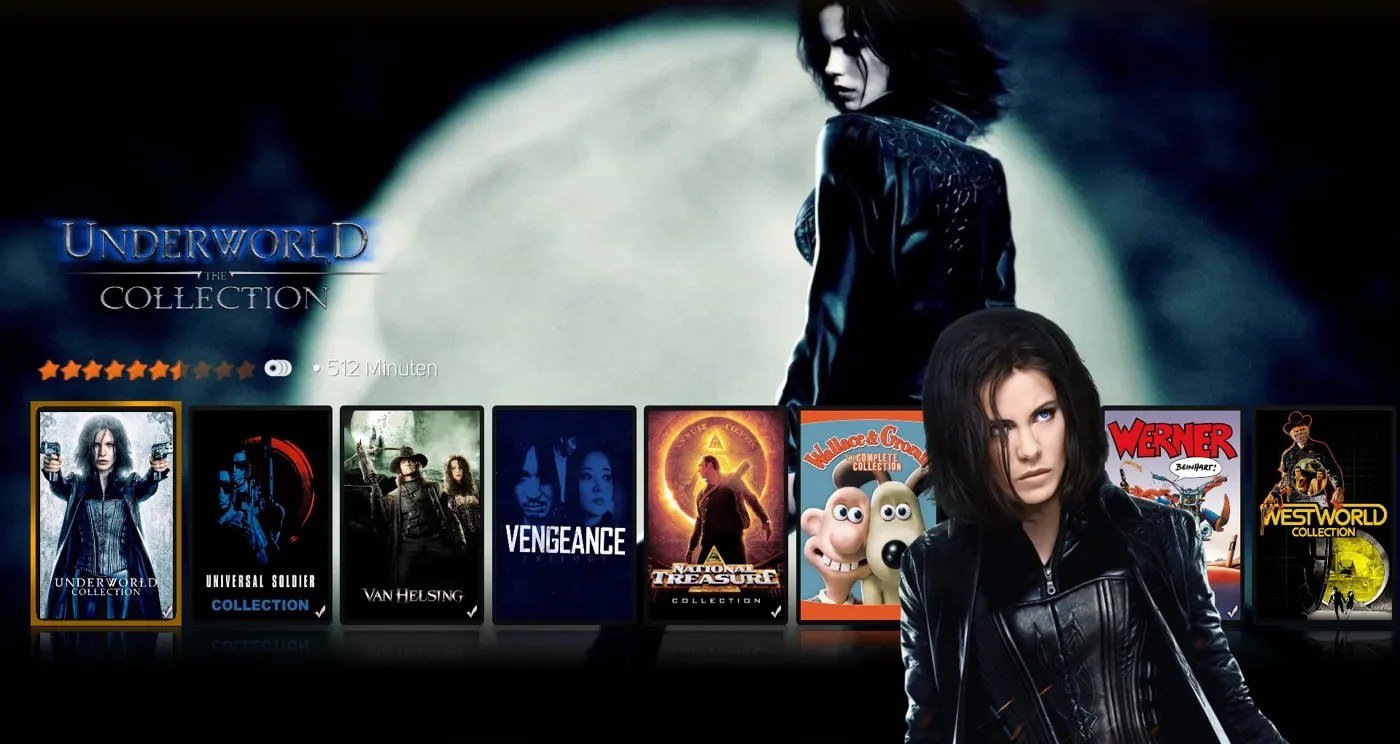
How the collection was made
This is pre-AI work: handmade community work. I own none of these pictures, and I did not draw them. They were collected and curated, with rights staying with their owners and nothing used commercially. As I said in the thread, the main thing I did to the files was to cut off the bottom.
The work was in the searching and sorting. The tools were simple: Google search, DeviantArt, and a Blu-ray forum thread that Captain_Pike also pointed to as a source of high quality renders. I prefer real renderings to simple cutouts, and bennyhanna contributed fine ones.
The hardest part of curating is assignment: for some costumes it is hard to say which film they belong to. Getting that right, by hand, film by film, was the real value of the pack.
Others added to it. manfeed contributed a character piece and shared his cut-out method: Photoshop, plus remove.bg for hair. rschiks imported about 430 images into KyraDB and its API, which gave the pack a real database for a time, and from then on I posted new and exchanged images in the thread film by film. The KyraDB art became available through ArtworkBeef, so for a while the type worked almost like a normal one.
I also tried to go beyond collecting once, with a uniform set of 13 images built from a character poster set, which rschiks added to KyraDB.
A type with nothing behind it
No source to build on. Without fanart.tv, everything rested on one private collection and then on one community database. KyraDB offered the art in bulk, a user later reported the site down, and by my last post there was no database to point to.
Multi-image in skins. For a long time I could not get this clean. Without a visible condition the last image hangs on screen. With one, it flares up and ignores the fade times. My first workaround was an invisible PNG in a characterart folder for every film, which I called dirty myself. This struggle runs through my skinning work.
Manual effort. Find the film, rename to your own files, copy them, and have a skin that supports the type. That is a lot to ask.
Quality without a standard. No uniform resolution, many sources, and cutouts of varying care. The pack never looked as uniform as Red Carpet.
A clean home in one skin, and a promise I did not keep
The pack gave film lovers something that no database offered, and it found a clean home in AEON TAJO. Using ArtworkBeef's naming meant it fit existing tools instead of needing new ones. And the distinction between costume art and personal art held up across projects.
The tutorials are the part I got wrong. I reserved two posts for them on the first day. People asked for them again and again, and they never appeared. A user reported no success in Aeon MQ 8 and Aeon Tajo without one. That is on me, and I would rather say so here than leave it in the thread. Moviesets also did not work in every skin, and questions after my last post stayed unanswered.
In my last post in the thread I called it what it is: a mini project, with self-implementation in skin XML, no database, and the pack as examples. I think that is fair.
What stayed
The idea did not end there. My Jellyfin plugin ArtworkPlus has a CharacterArt tab that builds on this thread and uses the same names, characterart.png and characterart1.png with the film prefix. Movie characterart still has no database or API support, so the gap I started from is still open.
Without a shared source, a good artwork type stays a hobby of the few who are willing to do the manual work. And if you promise a tutorial, write it before the thread opens.
Connected
Next: Movie Director Thumbs